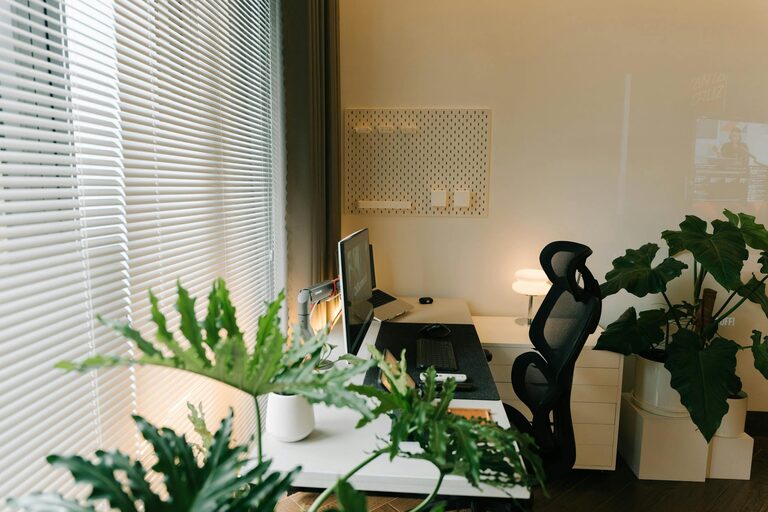
Creating a productive home office space is essential for anyone working remotely or running a business from home. A well-designed workspace can boost concentration, reduce stress, and improve overall efficiency. In this post, we’ll share practical tips to help you set up a home office that supports your best work.
Choose the Right Location
Consider Natural Light
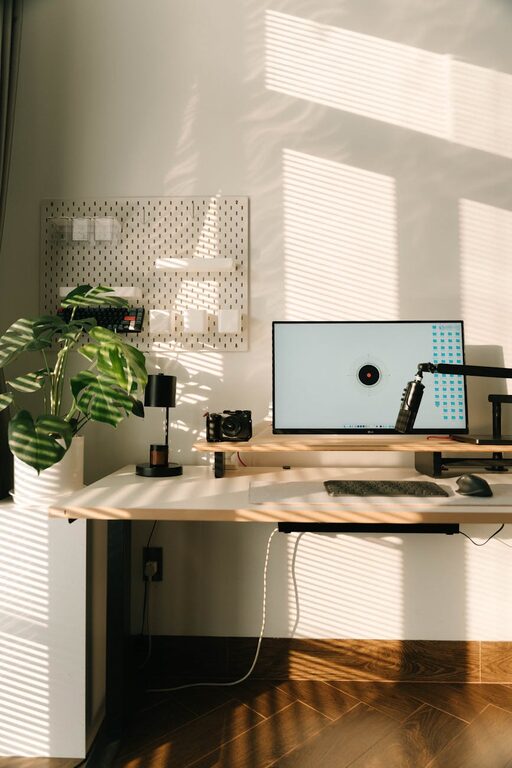
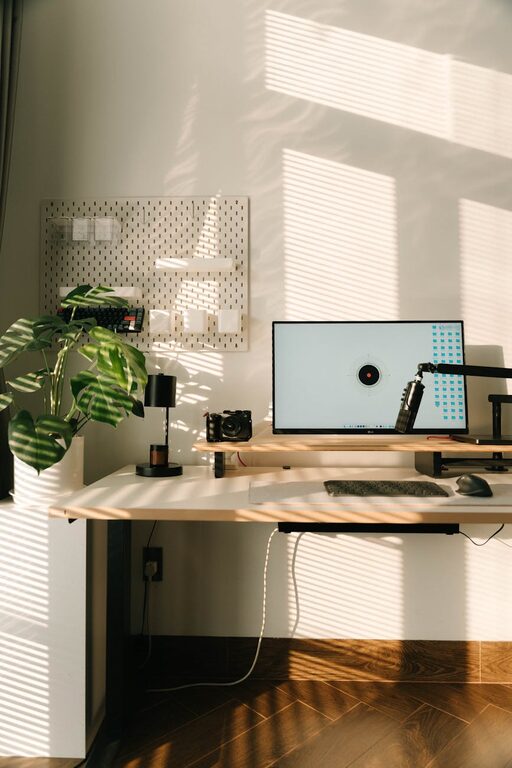
Whenever possible, select a spot near a window. Natural light helps reduce eye strain and boosts mood, making it easier to stay alert throughout the day. Avoid placing your desk where glare on screens becomes an issue.
Minimise Distractions
Find a quiet corner or room where you can focus without frequent interruptions. If you share your home, try to establish boundaries with family members or housemates about your working hours.
Invest in a Comfortable Chair and Desk
Your furniture plays a crucial role in maintaining comfort during long work sessions.
– Ergonomic Chair: Choose a chair with adjustable height, lumbar support, and comfortable cushioning.
– Appropriate Desk Height: Find a desk that suits your height to prevent hunching or strain.
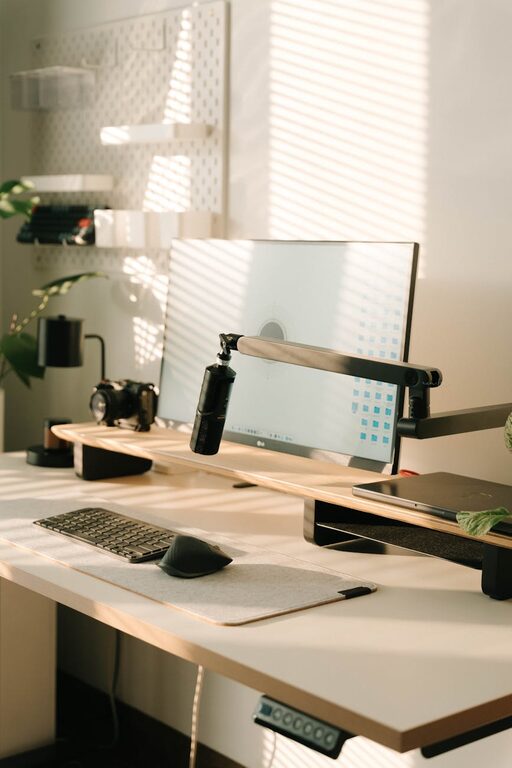
– Standing Desk Option: Consider a sit-stand desk if you want to alternate between sitting and standing.
Comfortable furniture not only protects your posture but also helps prevent fatigue.
Organise Your Workspace Efficiently
Declutter Regularly
A tidy desk reduces stress and increases focus. Keep only essential items on your desk and store other materials nearby but out of sight.
Use Storage Solutions
Shelves, drawers, and organisers help keep paperwork, stationery, and electronic devices organised. Labels can also simplify finding what you need quickly.
Cable Management
Untangle and secure cables using clips or sleeves. A clutter-free environment makes your workspace more pleasant and easier to clean.
Optimise Your Technology Setup
Reliable Internet Connection
A stable and fast internet connection is non-negotiable for remote work. Consider upgrading your router or using a wired connection if your Wi-Fi is unreliable.
Dual Monitors
Using two screens can enhance productivity, especially for tasks like data analysis or design work. If space is limited, consider a portable monitor.
Quality Accessories
Invest in a good keyboard, mouse, and headset to improve comfort and communication during calls.
Set Up Proper Lighting
Besides natural light, include adjustable artificial lighting.
– Task Lighting: A good desk lamp with adjustable brightness helps reduce eye strain.
– Ambient Lighting: Soft background lighting can create a comfortable atmosphere, especially during darker hours.
Avoid harsh overhead lights or glare on your screen.
Personalise Your Space
Adding personal touches can make your office more inviting and boost motivation.
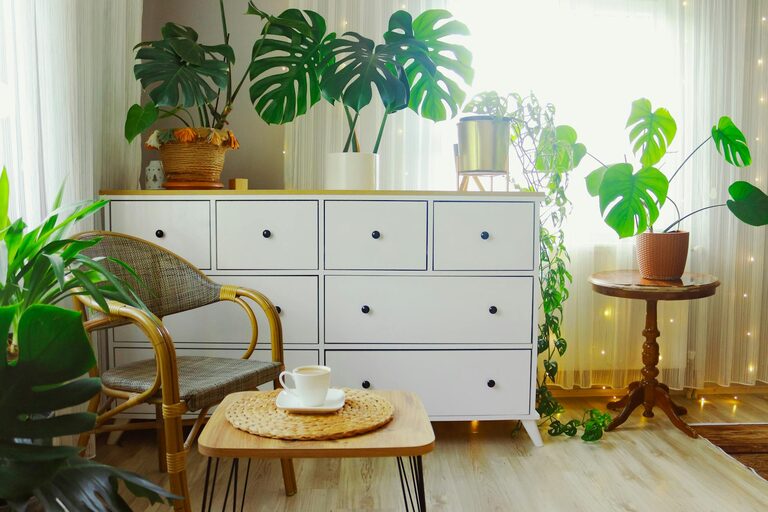
– Plants: Indoor greenery improves air quality and adds colour.
– Artwork or Photos: Visual items that inspire you or bring joy can uplift your mood.
– Inspiring Quotes: A favourite quote displayed where you can see it can provide daily motivation.
Be careful not to overcrowd your workspace with too many decorations.
Establish a Routine and Boundaries
Set Working Hours
Maintaining regular hours helps separate work time from leisure.
Define Break Times
Taking short breaks to stand, stretch, or move around refreshes your mind and body.
Create a Start-of-Day Ritual
Begin your day with a consistent routine, like enjoying a cup of tea or reviewing your task list, to signal the start of work.
Control Noise Levels
If noise is a distraction, try:
– Noise-Cancelling Headphones: They can block out background sounds effectively.
– White Noise Machines: These create a consistent background sound that masks other disturbances.
– Soundproofing: Adding rugs, curtains, or acoustic panels can reduce echoes.
Maintain Good Air Quality
A well-ventilated space keeps you comfortable and alert.
– Open windows when possible.
– Use air purifiers if needed.
– Avoid strong scents that can cause headaches.
Keep Healthy Habits in Mind
– Stay hydrated throughout the day.
– Keep snacks handy for energy boosts.
– Stretch regularly to avoid stiffness.
—
Final Thoughts
Creating a productive home office is not only about aesthetics but also about comfort, organisation, and functionality. With these tips, you can set up a workspace that supports concentration and well-being, making your work-from-home experience more enjoyable and effective. Remember, your home office is a reflection of your work style—tailor it to suit your needs and preferences for the best results.
About the Author