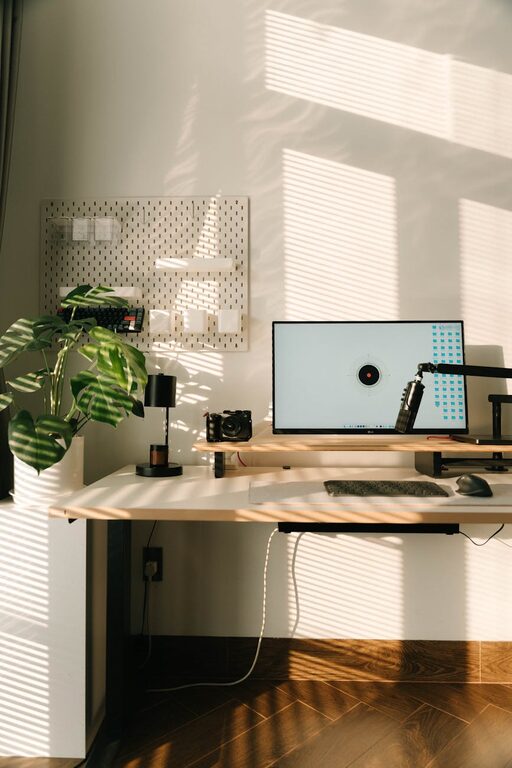
Creating a home office that is both inviting and productive can greatly enhance your work-from-home experience. A well-designed workspace helps you stay focused, reduces stress, and brings comfort during your working hours. This guide offers practical tips on how to set up an efficient and pleasant home office space.
Choose the Right Location
Consider Natural Light
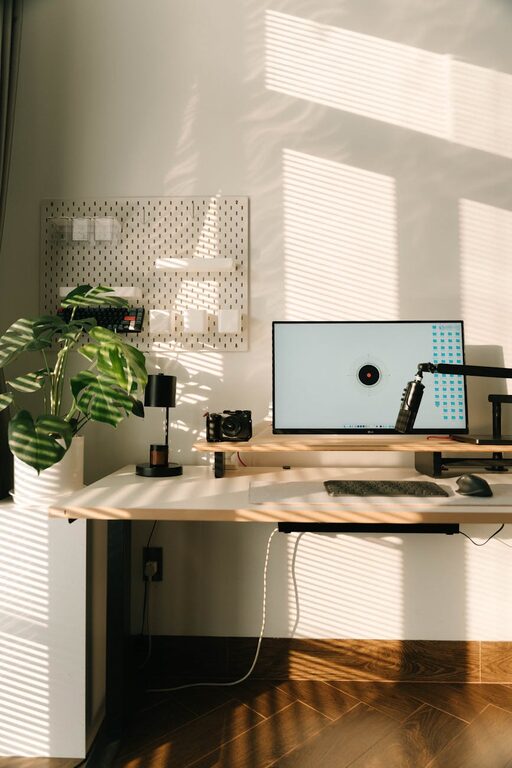
Select a spot in your home that receives plenty of natural light. Sunlight can improve mood and energy levels, making it easier to stay productive throughout the day. A desk near a window is ideal because it provides daylight and an outside view, which can offer short mental breaks.
Minimise Distractions
Try to pick a quiet corner or room away from household noise and traffic. Locations with minimal foot traffic will help you concentrate better. If space is limited, using room dividers or noise-cancelling headphones might help create a focused area.
Invest in Comfortable Furniture
Ergonomic Desk and Chair
Comfort is key for long working hours. An adjustable ergonomic chair with good lumbar support reduces back strain. Similarly, choose a desk at the right height to keep your posture natural and avoid wrist or shoulder pain.
Adequate Desk Space
Your desk should be spacious enough to hold your computer, documents, and a few personal items. A clutter-free surface encourages organisation and a clear mind.
Optimise Lighting for Productivity
Combine Natural and Artificial Light
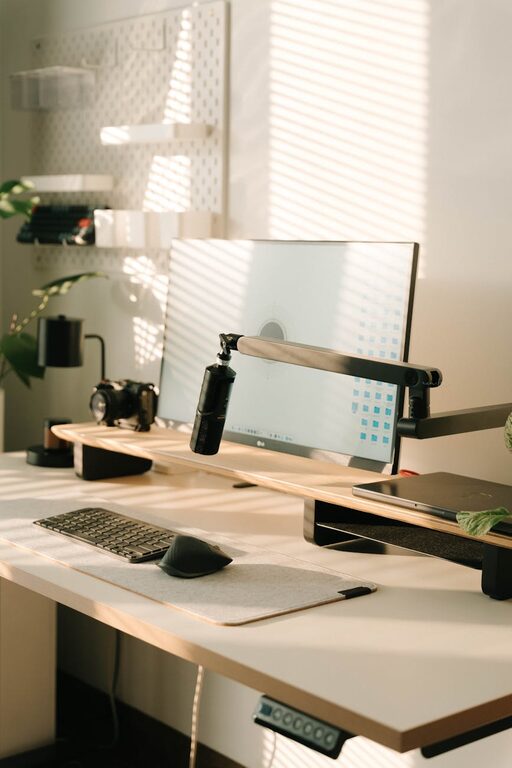
While natural light is beneficial, evenly balanced artificial lighting is important for darker days or late working hours. Use a desk lamp with adjustable brightness to focus light where you need it without causing glare on screens.
Choose Warm or Neutral Light
Bulbs with warm or neutral colour temperatures (around 4000K) tend to be easier on the eyes and help reduce fatigue.
Maintain Organised and Clutter-Free Space
Use Storage Solutions
Shelves, filing cabinets, or desk organisers help keep papers, stationery, and electronics in order. Label containers for quick access and to avoid mess.
Keep Only Essentials on Display
Limit desk items to those necessary for work and a couple of personal objects to keep the space inviting without overwhelming it.
Personalise Without Overdoing It
Add Some Greenery
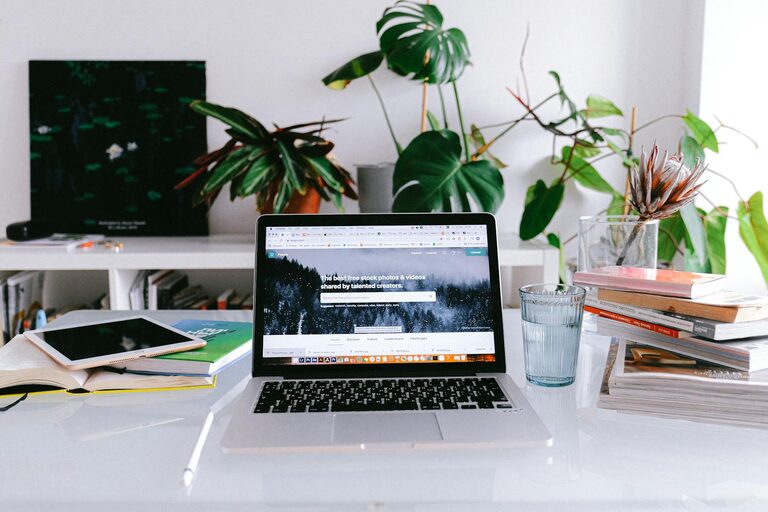
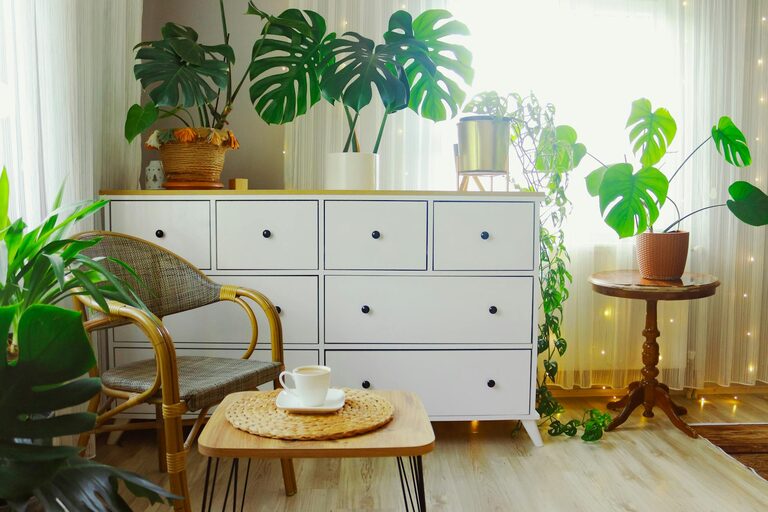
Plants add a refreshing touch, help purify the air, and have been shown to improve mood and productivity.
Choose Soothing Colours
Painting walls in soft, neutral tones or adding colourful but subtle artwork creates a pleasant environment. Avoid overly bright or distracting colours that can hinder focus.
Incorporate Technology Thoughtfully
Reliable Internet and Equipment
Ensure your internet connection is stable and fast enough for work tasks like video calls. Invest in quality peripherals such as a keyboard, mouse, and headset to improve comfort and efficiency.
Cable Management
Use cable organisers or clips to keep wires tidy and out of the way, creating a cleaner look and reducing distractions.
Set Boundaries for Work-Life Balance
Define Work Hours and Breaks
Keep a routine by setting specific start and finish times for your day. Step away from your workspace during breaks to refresh your mind and body.
Separate Work Area from Relaxation Space
If possible, use a dedicated room or corner solely for work. This helps mentally separate professional activities from personal time.
Final Thoughts
Designing an inviting and productive home office is about balancing comfort, functionality, and personal style. With thoughtful planning and attention to detail, your workspace will support your well-being and help you perform at your best. Taking the time to create the right environment can make working from home more enjoyable and efficient.
About the Author