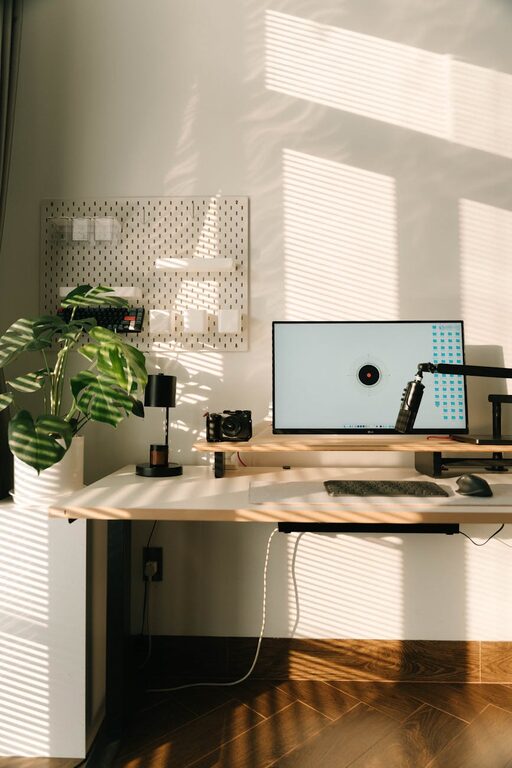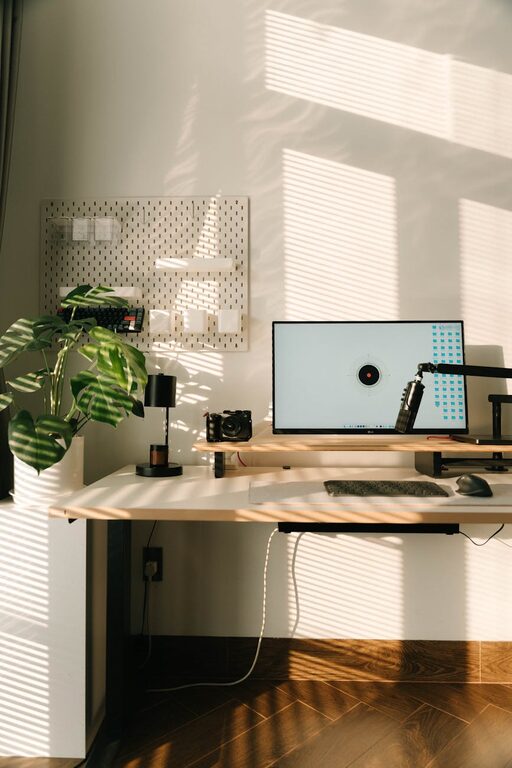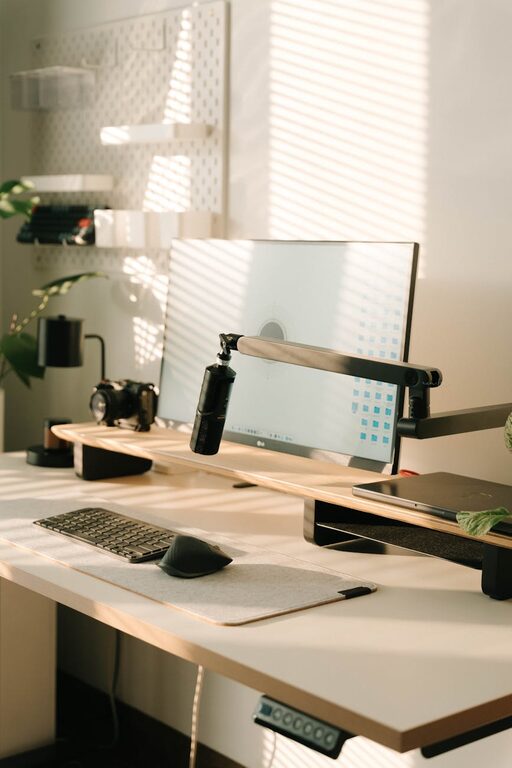
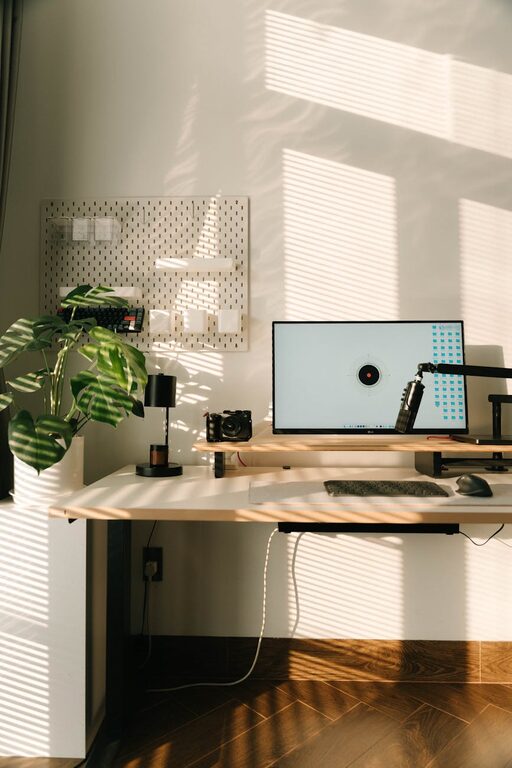
Creating a home workspace that balances productivity with relaxation is essential for anyone working remotely or managing tasks from home. A well-designed area helps minimise distractions, maintain focus, and promote well-being. Here are some helpful tips to transform your home workspace into a productive yet calming environment.
Choose the Right Location
Find a Quiet Spot
Select a space in your home that is relatively quiet and free from heavy foot traffic. This could be a spare room, a corner of the living room, or even a nook in your bedroom. The goal is to reduce interruptions and background noise.
Consider Natural Light
Whenever possible, position your desk near a window. Natural light can boost mood and energy levels, helping you stay motivated throughout the day. If natural light isn’t an option, invest in good-quality task lighting to avoid eye strain.
Prioritise Comfort
Invest in an Ergonomic Chair
A comfortable chair that supports your posture is crucial. Look for one with adjustable height, lumbar support, and good cushioning. Sitting comfortably helps prevent back and neck pain during long working hours.
Desk at the Right Height
Ensure your desk allows your arms to rest comfortably at about a 90-degree angle while typing. A desk that is too high or too low can cause discomfort and affect productivity.
Keep Organised
Declutter Your Space
A tidy workspace reduces stress and distractions. Use storage options such as shelves, filing cabinets, or desk organisers to keep paperwork, stationery, and gadgets neatly arranged.
Use Cable Management
Untangle cords and use clips or covers to keep cables organised. This small step prevents your workspace from looking messy and makes it easier to clean.
Personalise Thoughtfully
Add Greenery
Plants can improve air quality and add a refreshing touch to your workspace. Choose low-maintenance indoor plants like succulents, spider plants, or peace lilies.
Include Calming Elements
Incorporate items that bring you comfort or inspiration, such as photos, artwork, or candles. Choose pieces that promote a peaceful atmosphere without cluttering your area.
Minimise Distractions
Create Boundaries
If you share your space with others, use room dividers or noise-cancelling headphones to establish boundaries. Let family or housemates know your working hours to reduce interruptions.
Limit Digital Distractions
Turn off non-essential notifications and use apps or browser extensions designed to block distracting websites during work periods.
Optimise for Productivity
Set Up Essential Tools
Make sure you have all necessary equipment within easy reach: computer, charger, notebook, pens, and other work materials. This prevents frequent breaks for searching items.
Use a Task List or Planner
Keep a to-do list or planner visible to prioritise tasks and track progress. Organising your day helps you stay focused and ensures important deadlines aren’t overlooked.
Take Regular Breaks
Follow a Routine
Establish regular work hours with scheduled breaks. Short pauses every hour help reduce fatigue and maintain concentration.
Stretch and Move
Use break times to stand up, stretch, or take a brief walk. Physical activity stimulates your body and mind, improving overall productivity.
Pay Attention to Air Quality and Temperature
Ventilate the Space
Good air circulation keeps you alert and comfortable. Open windows if possible or use an air purifier.
Maintain a Comfortable Temperature
Avoid working in overly hot or cold environments. Adjust heating, fans, or blinds to create a pleasant climate.
—
Creating a relaxing and productive home workspace doesn’t require a complete overhaul of your living space. With thoughtful planning and simple adjustments, you can design an area that supports your work goals while nurturing your well-being. Start with one or two of these tips and gradually customise your workspace to suit your needs. Before long, you’ll find that your home office becomes a place where you both enjoy spending time and get things done efficiently.
About the Author