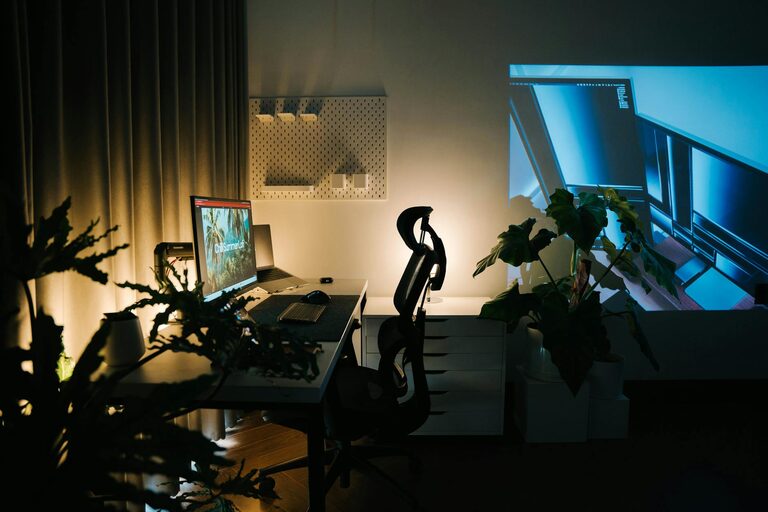
Creating a productive home office setup is essential in today’s world, where many people work remotely or in hybrid arrangements. A well-designed space not only enhances your focus and efficiency but also supports your health and wellbeing. Whether you have a dedicated room or a small corner, these tips will guide you through creating a comfortable, organised, and inspiring home office.
Choose the Right Location
Find a Quiet Spot
Select a space in your home where interruptions are minimal. A quiet environment helps maintain concentration and reduces stress. Ideally, this should be away from household noise like the television or high-traffic areas.
Consider Natural Light
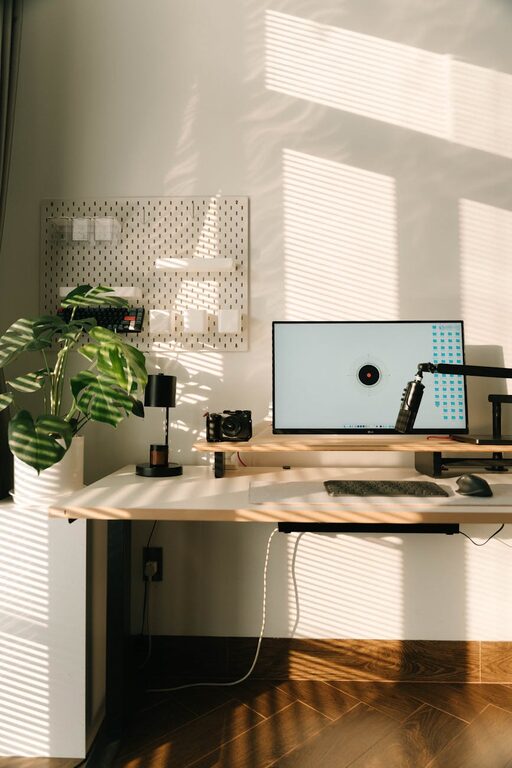
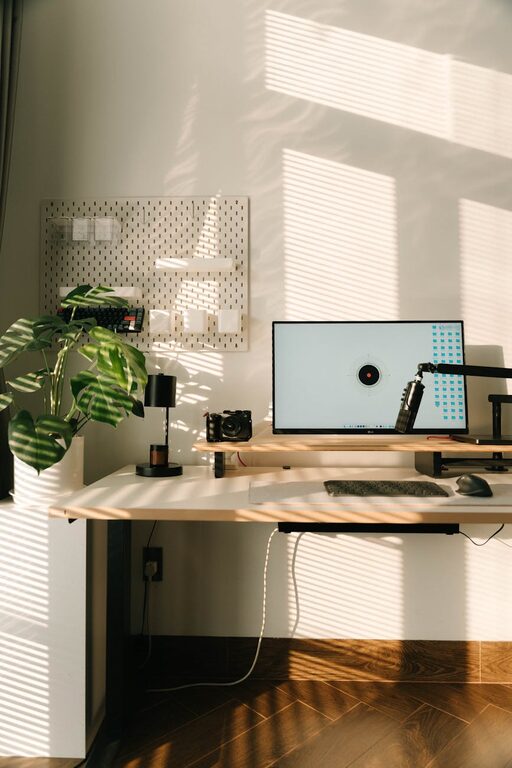
Position your desk near a window if possible. Natural light improves mood and alertness, which can enhance your productivity. However, be mindful of glare on your screen and adjust your seating or blinds accordingly.
Invest in Ergonomic Furniture
Get a Comfortable Chair
An ergonomic chair with good lumbar support is crucial. Sitting for long periods can strain your back and neck, so invest time in finding a chair that promotes good posture.
Use an Adjustable Desk
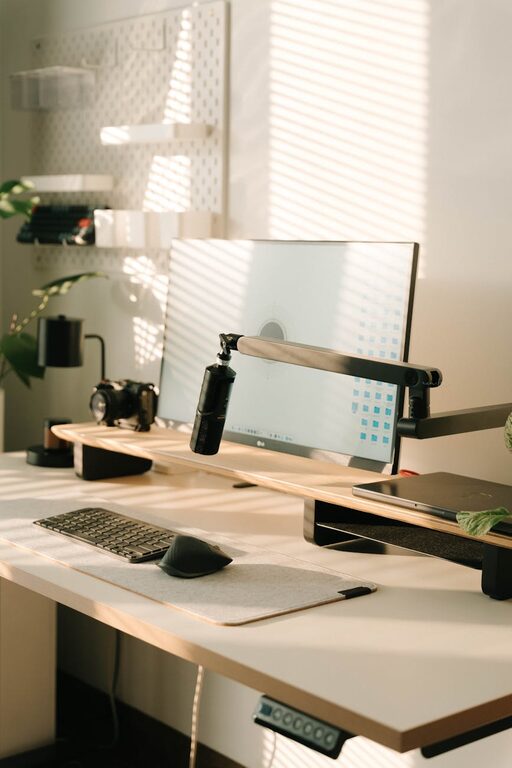
An adjustable desk, especially a sit-stand model, allows you to change positions throughout the day. Standing occasionally can relieve body tension and improve circulation.
Position Your Monitor Correctly
Your screen should be at eye level, about an arm’s length away. This positioning reduces eye strain and prevents neck discomfort.
Keep Your Workspace Organised
Declutter Regularly
A tidy desk promotes clear thinking. Remove unnecessary items and keep only what you need for your current tasks.
Use Storage Solutions
Install shelves, drawers, or organisers to keep documents and supplies neatly stored. Label containers for easy access.
Cable Management
Tidy cables with clips, sleeves, or under-desk trays to avoid a mess and potential hazards.
Personalise for Comfort and Motivation
Add Plants
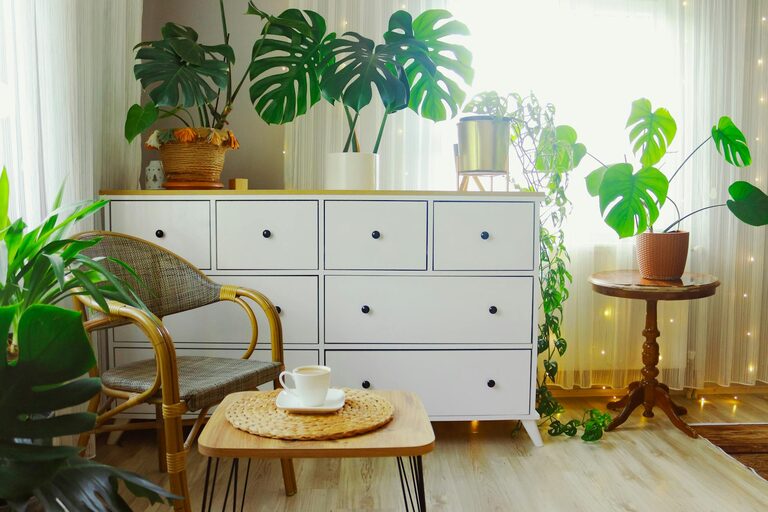
Houseplants can improve air quality and create a calming atmosphere. Choose low-maintenance varieties like pothos or succulents.
Use Colour Wisely
Select colours that boost focus and creativity. Soft blues and greens are calming, while yellow can spark energy.
Display Inspiring Items
Personal photos, artwork, or motivational quotes can make your space feel welcoming and keep you motivated.
Optimise Lighting
Combine Natural and Artificial Light
Even with natural light, use a good quality desk lamp to reduce eye strain. Adjustable lamps allow you to focus light where it’s needed.
Avoid Glare and Shadows
Position lighting to avoid reflections on your screen. Indirect lighting often works best for a balanced environment.
Set Clear Boundaries
Define Work Hours
Create a routine by setting specific work hours. This helps separate work life from home life and reduces burnout.
Use Physical Barriers
If possible, use a room divider or curtains to mark your office space. This signals to family members when you are working and need quiet.
Incorporate Technology Wisely
Reliable Internet Connection
Ensure your internet is fast and stable to avoid frustration during meetings or when uploading files.
Invest in Essential Tools
A comfortable keyboard and mouse, noise-cancelling headphones, and a good quality webcam can improve your remote work experience.
Keep Software Updated
Regularly update your software and backup important files to prevent data loss and maintain efficiency.
Take Regular Breaks
Follow the 20-20-20 Rule
Every 20 minutes, look at something 20 feet away for 20 seconds. This reduces eye strain.
Move Around
Stand, stretch, or take a short walk every hour to keep your body active and reduce fatigue.
—
By implementing these tips, you can create a home office that supports your productivity and wellbeing. Tailor your space to your needs and preferences, and remember that a comfortable, organised environment lays the foundation for successful workdays.
About the Author